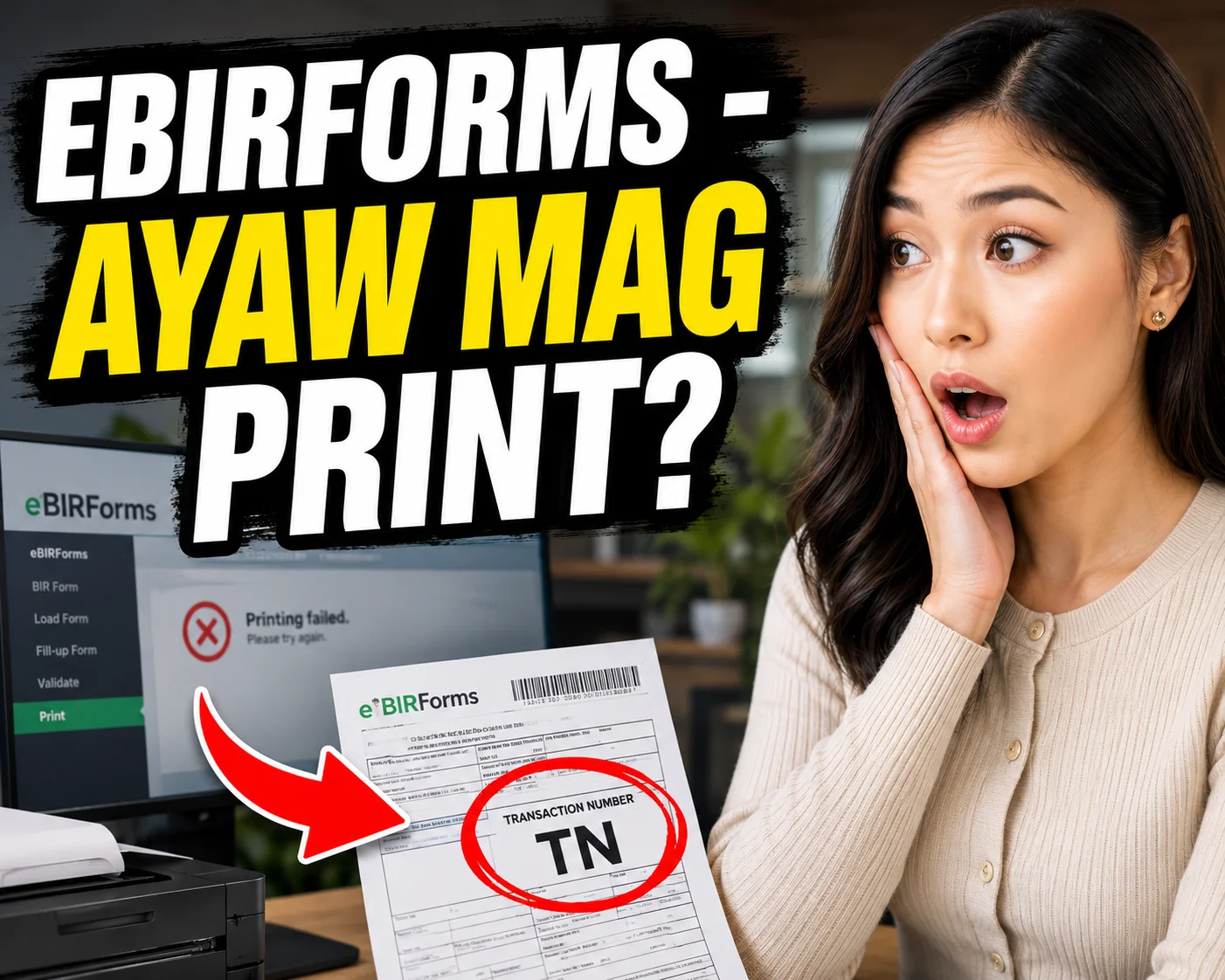
Ayaw mag print?
Real talk from someone who just wanted one printed tax return.
I’m not a CPA. I just run a small business and file my own returns, which means I’ve earned my eBIRForms printer story the hard way. Mine involves a haunted PDF and forty five minutes I will never get back. Someone in the next room asked “ilan pang beses.”
You encoded the form and hit Validate. That green check appeared, somehow more satisfying than payday. You saved and submitted. The Tax Return Receipt Confirmation came through. Proof you did everything right. Then you clicked Print, and the software said: “No preview available.”
No preview. No print.
Why this happens
Underneath the interface, eBIRForms prints through the old Internet Explorer engine. Not a metaphor. It’s the actual IE rendering engine. Microsoft retired it years ago. That’s why the print dialog looks like it’s from another decade.
It’s also why a lot of us keep an old laptop just for filing. Mine is the “BIR laptop.” It hasn’t seen a Windows update in years. You probably know the one. Half the offices I’ve asked about this have their own, guarded like a shrine.
Word is some BIR offices keep the same kind of shrine machine on their side of the counter. If that’s true, solidarity.
The unofficial eBIRForms changelog
bundled with the installer. So I went and pieced one together.
Everything below is traced to an RMC or an official release note. Best effort lang po.
The eBIRForms v5 era
eBIRForms v5.0 — RMC 31-2015. Notable because manual filers got until June 15, 2015 to re-file electronically.
eBIRForms v5.1 — RMC 58-2015. Added Form 1707-A, bringing the package to 37 returns. Enhanced Forms 1601E, 1702-MX, and 2000.
The eBIRForms v6 era
eBIRForms v6.0 — RMC 35-2016, March 21, 2016. Added one-click submission of returns. Also shrank the package size for easier downloading, which mattered a lot more in 2016.
eBIRForms v6.2 — Confirmed released around August 2016. No RMC number found.
eBIRForms v6.3 — Confirmed released around April 2017, as an update to v6.2. No RMC number found.
The eBIRForms v7 era
eBIRForms v7.1 — Appears in the official release notes. No date or RMC number found.
eBIRForms v7.2 — RMC 93-2018, October 31, 2018. TRAIN Law work. Added revised Forms 1601C, 1602Q, 1603Q, and 2551Q.
eBIRForms v7.5 — TRAIN Law again. Added Forms 1702RT and 1702EX, 2018 versions. Also added RDO 21C, Clark Freeport Zone, per RAO 6-2019.
eBIRForms v7.6 — Announced February 2020. Added Form 1702MX version 2018 and Form 1700 version 2018. Implemented field validations and automated computation on Form 1701 version 2018.
eBIRForms v7.6.1 — Appears in the official release notes as a patch.
eBIRForms v7.7 — RMC 118-2020, November 5, 2020. Added more January 2018 versions of forms.
eBIRForms v7.8 — RMC 33-2021, March 3, 2021. Added Form 1800 (Donor’s Tax Return) and Form 1801 (Estate Tax Return), January 2018 versions.
eBIRForms v7.9 — Referenced in the release notes as part of the TRAIN and CREATE Law updates. No standalone RMC found.
eBIRForms v7.9.2 — RMC 111-2021, October 20, 2021. Added Forms 2552, 1600-VT, 1600-PT, 1707, and 2200-C. Bug fixes for Forms 1702-MXv2018 and 1702MXv2018C.
eBIRForms v7.9.2.1 — Release-note patch. Fixed rounding issues, text entry validation, and mandatory field checks across several forms.
eBIRForms v7.9.3 — RMC 131-2022, September 28, 2022. Added ATCs in Form 0605 for international carriers. Revised the Terms of Service Agreement. Also started requiring an official email address on the profile page, since BIR now uses it to serve notices.
eBIRForms v7.9.4 — RMC 40-2023, March 2023. Added the April 2021 versions of Forms 1707 and 1707-A.
eBIRForms v7.9.4.1 — RMC 122-2023, December 2023.
eBIRForms v7.9.4.2 — Release-note patch. Fixed an incorrect income tax computation on Form 1700v2018 for taxable year 2023 onward. Worth knowing if you filed on the old build.
eBIRForms v7.9.5 — RMC 49-2025, May 7, 2025. Added Form 1702Q January 2018 and Form 2550Q April 2024. Rolled all Form 2551Q ATCs into Form 0605. Added treaty code BN for Brunei in Form 1601-FQ. Bug fixes for Forms 0619-E, 1800v2018, and 2000-OTv2018.
eBIRForms v7.9.6.0 — RMC 36-2026, April 28, 2026. The current version. Added Form 1701-MS (August 2024), the simplified annual return for micro and small taxpayers. New ATCs in Form 1601-EQ. TIN branch code field expanded from 3 digits to 5. FCDU rate updated from 15% to 20% in Form 1602Q. Improved security on eFiling submission. Bug fixes across nine forms: 0619E, 1601FQ, 1604F, 1702Q, 1702EX, 1702MX, 1707, 2000-OT, and 2551Q. Companion circular RMC 37-2026 allows 1701-MS to be e-filed through the package.

What the eBIRForms changelog tells you
Look at what every release is actually about. Forms and codes. Those are the things that change when tax rules change, which is exactly where the effort belongs. TRAIN Law, then CREATE Law, then EOPT. Each one meant new forms to build and old ones to fix.
Printing sits one layer below all of that, down in the borrowed engine. That’s a much harder place to reach. So it stays. It’s less a bug at this point and more a shared rite of passage, right up there with chasing a client for their 2307 in the last week of the quarter.
One practical note: if you’re somehow still on eBIRForms v6.0, please update. It’s outdated and no longer supported, and using it can produce validation errors and failed submissions.
The folk remedies
These are the tips that circulate while everyone’s waiting at the RDO. Usually somewhere between comparing notes on Alphalist uploads and asking if anyone’s messenger already left, just in case.
1. Run it as administrator. Right click the shortcut, then choose “Run as administrator.” This alone clears a good chunk of the “no preview” and silent no-print cases. It probably comes down to where the app writes its temporary files. Very ordinary Windows permissions stuff, once you stop taking it personally.
2. Fix the page setup inside the print dialog. Shrink the margins to about a quarter inch. Clear out the header and footer text. Then set the scale to Shrink to Fit, or somewhere around 85 to 90 percent. The change has to happen inside that dialog specifically. Your printer’s own settings won’t carry over.
3. Reset the Print Spooler. Do this if the printer sits there and ignores you completely. Open services.msc, then restart Print Spooler. Reinstall the driver too if it’s still not cooperating.
These get you from impossible to sometimes. Not exactly comforting three hours before a deadline.
The fix that actually worked, Windows 10
Stop trying to print directly. Print to PDF first.
1. In the print dialog, choose Microsoft Print to PDF instead of your actual printer. 2. Save that PDF somewhere safe. 3. Open the PDF and print it like any normal file.
That’s the whole trick. Printing straight to a physical printer runs through the legacy path. Saving to PDF first skips most of it. Your printer never has to negotiate with a retired browser engine again.
If the PDF route also gives you trouble, check your printer selection. Make sure Microsoft Print to PDF, or something like Adobe’s PDF printer, is properly installed and actually selected in the dialog. It sometimes quietly reverts to another device. This exact issue shows up on Microsoft’s own support forums, so at least you’re not imagining it: https://learn.microsoft.com/en-us/answers/questions/4051227/in-printing-the-ebirforms-it-says-no-preview-avail
Stack it with the folk remedies above and most printing problems go away.
A few more things I learned the hard way
Keep every XML file you generate. If one PC won’t print, load the same file on a different machine. Beats re-encoding the whole form from scratch, ATC hunting included.
Print the email confirmation too. A lot of us still want a hard copy of the Tax Return Receipt Confirmation for the binder. Physical submission isn’t required for e-filed returns without attachments. Old habits, especially around audit season.
Update the package before filing season starts. Older versions eventually stop validating. The installer also prefers that you uninstall the previous version first.
Closing thoughts
Credit where it’s due. BIR keeps this package alive and free. Building that changelog above actually changed how I see it. That’s a decade of steady work: new laws absorbed, forms rebuilt, computation errors caught and patched. The offline package quietly carries a huge share of the country’s filing volume every quarter, without asking a single peso from any of us.
The printing quirk is a legacy engine problem. It’s the kind that outlives every developer who ever touched it. That’s not the same thing as nobody caring.
Deadline day is rough on everyone, on both sides of the counter. So until the engine underneath finally gets swapped out, and it will eventually, here’s the whole playbook. Print to PDF first. Run as admin if it still complains, and you’re through it 😉
See you next quarter. Same shrine laptop, hopefully faster this time.